Setting up the Digimidi integration allows CoVet to automate patient data syncing from your appointments and export rich-text visit documentation directly back into Digimidi’s consultation records.
Once the integration is enabled, your team can document visits in CoVet and keep patient medical records perfectly aligned with Digimidi without manual data entry.
There are multiple articles that will help you with different aspects of the Digimidi Integration
Use these links to jump between these articles quickly.
There are multiple articles that will help you with different aspects of the Digimidi Integration
Use these links to jump between these articles quickly.
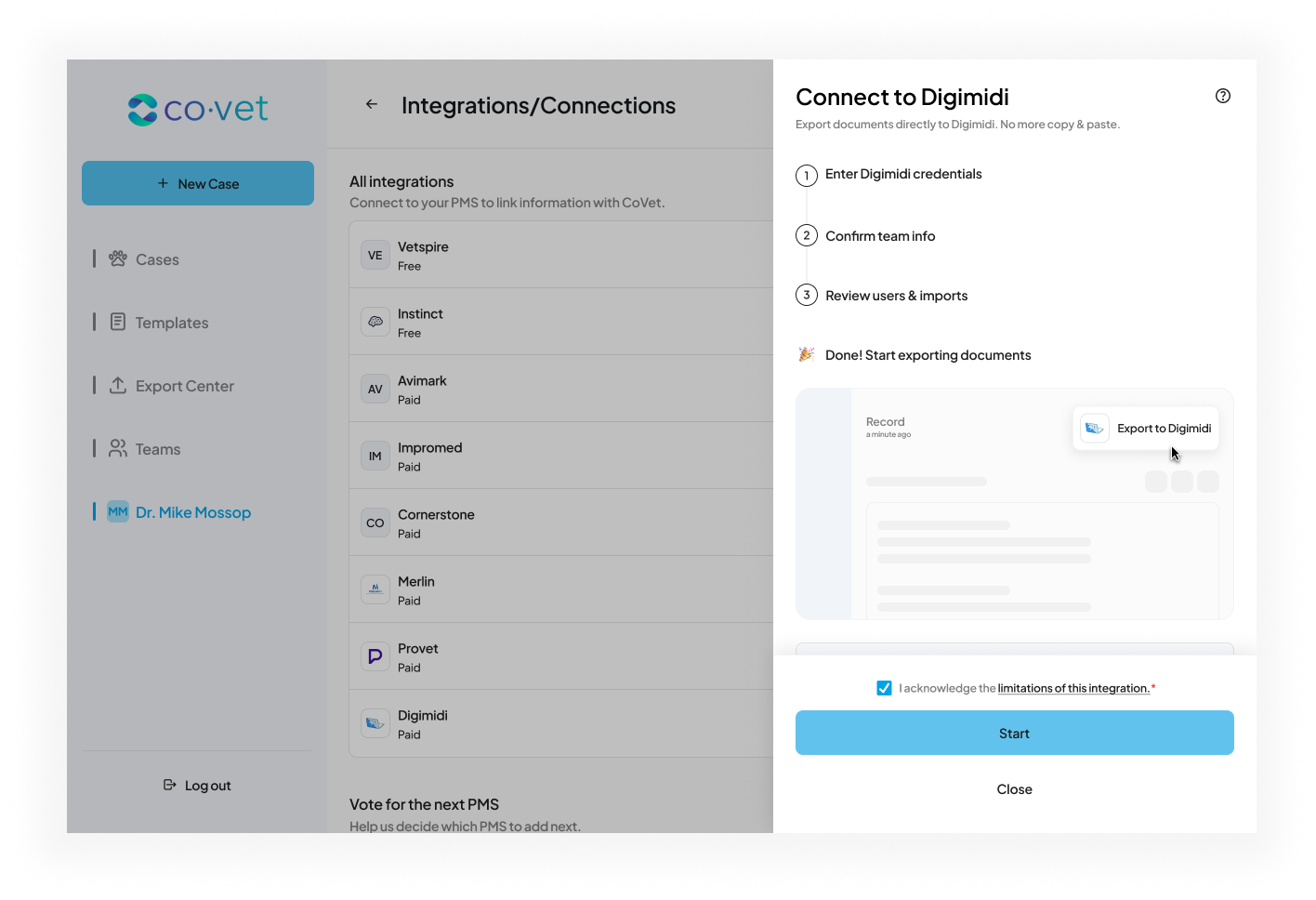
How to Set Up the Digimidi Integration
Digimidi credentials are managed through a manual request process to ensure secure access for each clinic. To activate the integration:
1. Request your Credentials. Contact your Digimidi account manager or email their support team to request API access for CoVet. There is currently no fee to activate this integration. Digimidi will provide you with a unique set of credentials via email, including:
- Subdomain (e.g., digimidi-dev)
- Database Name (e.g., DIGIMIDI_DEV_UMAR)
- Username & Password
- API Key (Authentication mechanism)
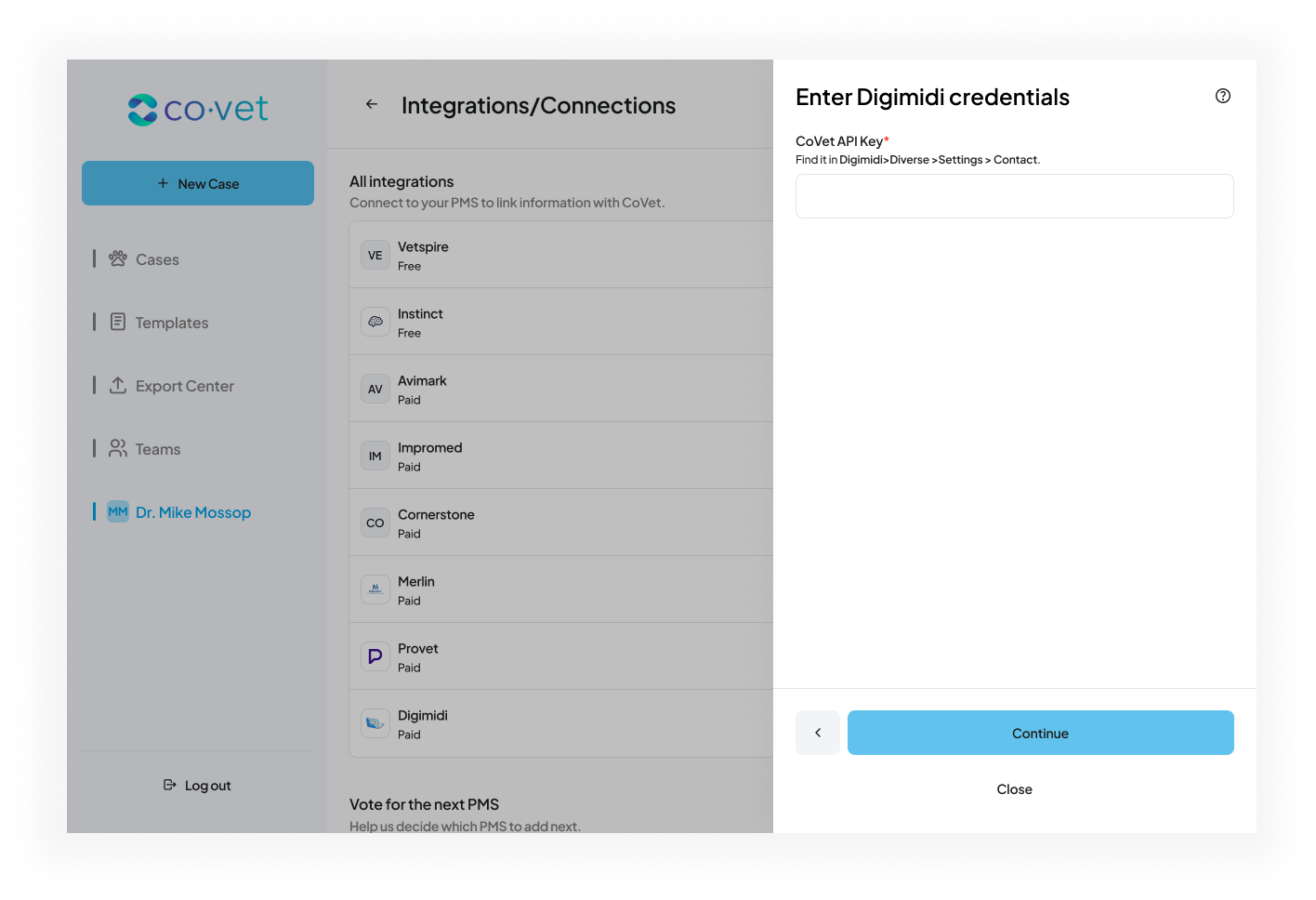
2. Navigate to Integrations. In CoVet, click your name in the top navigation to open My Account, then select Settings → Integrations.
3. Select the Digimidi Integration Locate Digimidi in the list of available practice management systems and click Connect.
4. Enter your Credentials. Enter the specific details provided in the email from Digimidi. Ensure the Subdomain and Database Name are entered exactly as provided to establish a successful connection.
5. Complete Setup. Once the credentials are validated, you will be able to review your user mapping and team settings. After selecting your name or team in the Review Users screen, your integration will be active and ready to sync.
Note: Each clinic location requires its own unique set of credentials. Digimidi does not support shared API keys across multiple locations.
Was this article helpful?
That’s Great!
Thank you for your feedback
Sorry! We couldn't be helpful
Thank you for your feedback
Feedback sent
We appreciate your effort and will try to fix the article