The Vettigo Integration allows CoVet to import appointments from Vettigo as cases.
Imported cases appear on your Cases page, ready for documentation.
There are multiple articles that will help you with different aspects of the Vettigo Integration.
Use these links to jump between these articles quickly.
Important to read before using the integration
How to use the integration following set-up
What CoVet Will Import
CoVet will only import appointments that meet all of the following:
- The appointment has a patient linked
- The patient is confirmed
- The appointment includes one patient only
Appointments that don’t meet these conditions will not be imported.
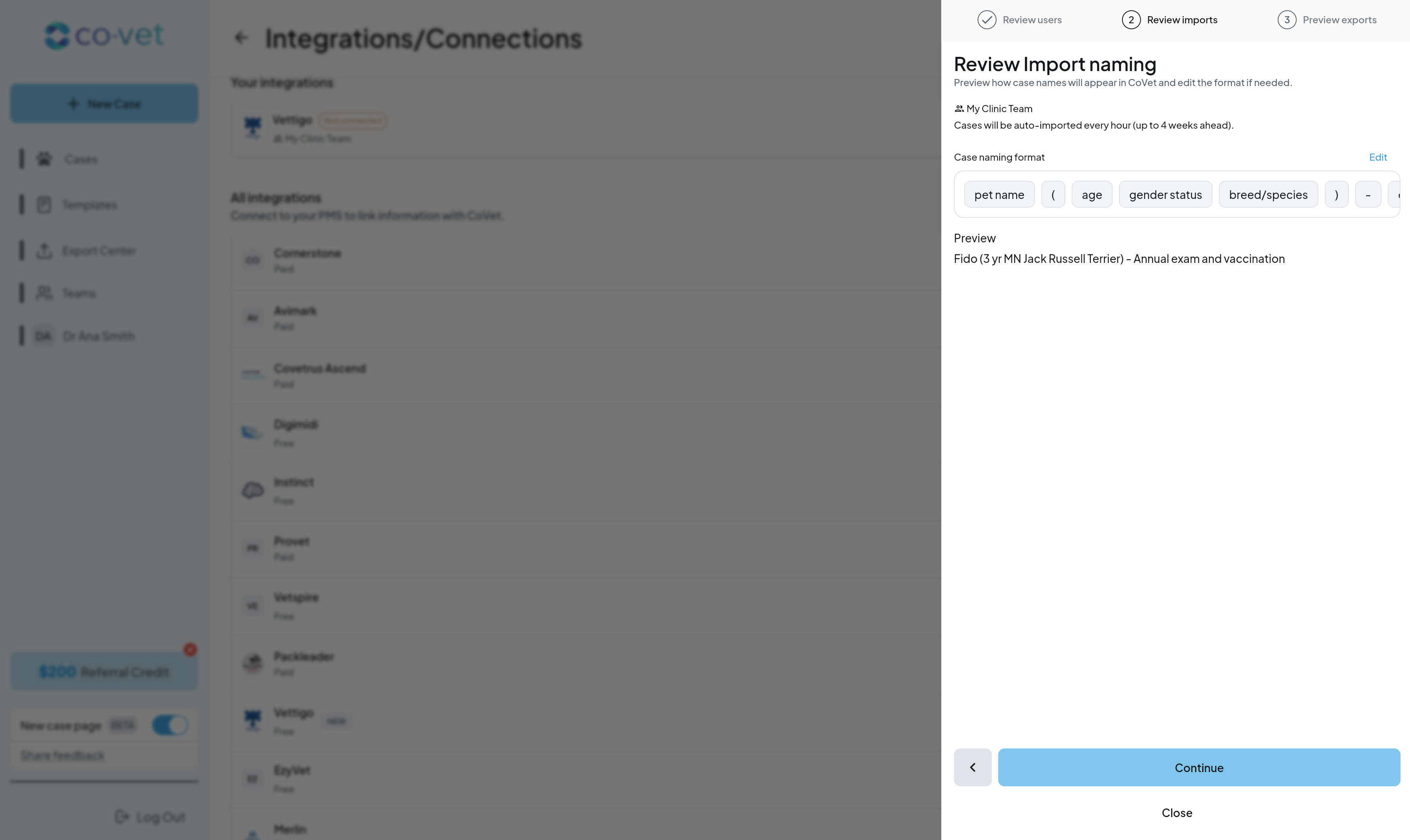
Viewing Imported Cases
Imported cases:
- Appear on the Cases page
- Are linked to their Vettigo appointment
- Can be documented immediately in CoVet
If an appointment does not appear, it is usually missing required patient information in Vettigo.
Supported Workflows
- Walk-ins and emergency appointments with patients linked
- Same-day documentation
- Delayed exports (e.g., equine workflows finalized later)
Not Supported
- Appointments without a patient
- Unconfirmed patients
- Multi-pet appointments
Was this article helpful?
That’s Great!
Thank you for your feedback
Sorry! We couldn't be helpful
Thank you for your feedback
Feedback sent
We appreciate your effort and will try to fix the article